CoreUI PRO v5.29.1 - Time Picker and Calendar Fixes

We are pleased to announce the release of CoreUI PRO v5.29.1 for Bootstrap. This patch release fixes how the Time Picker handles an empty value and makes the Calendar open on a month with days to pick when minDate or maxDate exclude today.
CoreUI PRO v5.29.0 - External Search in the Multi Select
We are pleased to announce the release of CoreUI PRO v5.29.0 for Bootstrap. The Multi Select gains external search: the component stops filtering its own list and lets your code fetch matching options from a server or an API, the same way the Autocomplete already does. The release also fixes the Autocomplete external data example.
CoreUI PRO v5.28.0 - Time Granularity in the Date Pickers
We are pleased to announce the release of CoreUI PRO v5.28.0 for Bootstrap. The Date Picker and Date Range Picker can now drop minutes and seconds from their time selection. The release also keeps internal fields out of submitted form data, fixes the Calendar, Multi Select, Autocomplete and OTP Input, and includes every fix from CoreUI v5.9.1.
CoreUI v5.9.1 - Security Hardening and Component Lifecycle Fixes
We are pleased to announce the release of CoreUI v5.9.1 for Bootstrap. This maintenance release hardens the sanitizer, makes dispose() leave the page the way it found it across several components, improves accessibility of toggle Buttons and loading animations, and fixes a handful of border-radius details.
Bootstrap Calendar: From Date Picker to Full Scheduler

“Add a calendar” is one of those requirements that means five different things depending on who says it. A form field for picking a delivery date is a calendar. A month grid showing this sprint’s deadlines is a calendar. A week view where a dispatcher drags jobs between technicians’ columns is also, apparently, a calendar.
These are not sizes of the same feature — they are different features with different costs, and Bootstrap itself ships none of them. Bootstrap 5 has no calendar component at all: no date picker, no month grid, no scheduler. So every “bootstrap calendar” is Bootstrap’s design language plus a component that comes from somewhere else — a library, or your own code.
This article climbs that ladder honestly: what each rung actually requires, what you can reasonably build yourself, and where the cost curve bends hard enough that building stops making sense.
Bootstrap Data Table: When a Plain Table Stops Being Enough

Every Bootstrap data table starts the same way: a <table class="table">, a
loop over some rows, done. And for a surprising number of applications, that
is genuinely all you need.
Then the requirements arrive one at a time. “Can we sort this by date?” “Can I search it?” “It’s slow with this quarter’s data.” Each one looks small, and each one is answerable with a few lines of JavaScript — until, at a fairly predictable point, it isn’t.
This article walks that ladder honestly. For each threshold we show what you can build yourself with plain Bootstrap (or CoreUI, which shares the same table markup and classes) and vanilla JavaScript, where the hand-rolled version starts to leak, and at which rung it stops being reasonable to keep writing table infrastructure by hand. If your table has 50 rows and never will have more, the code below is all you need — no library, no license, nothing to ship but a few kilobytes of your own JavaScript.
CoreUI Free Bootstrap Admin Template v5.6.0 - Search Button and Chip Set Demos
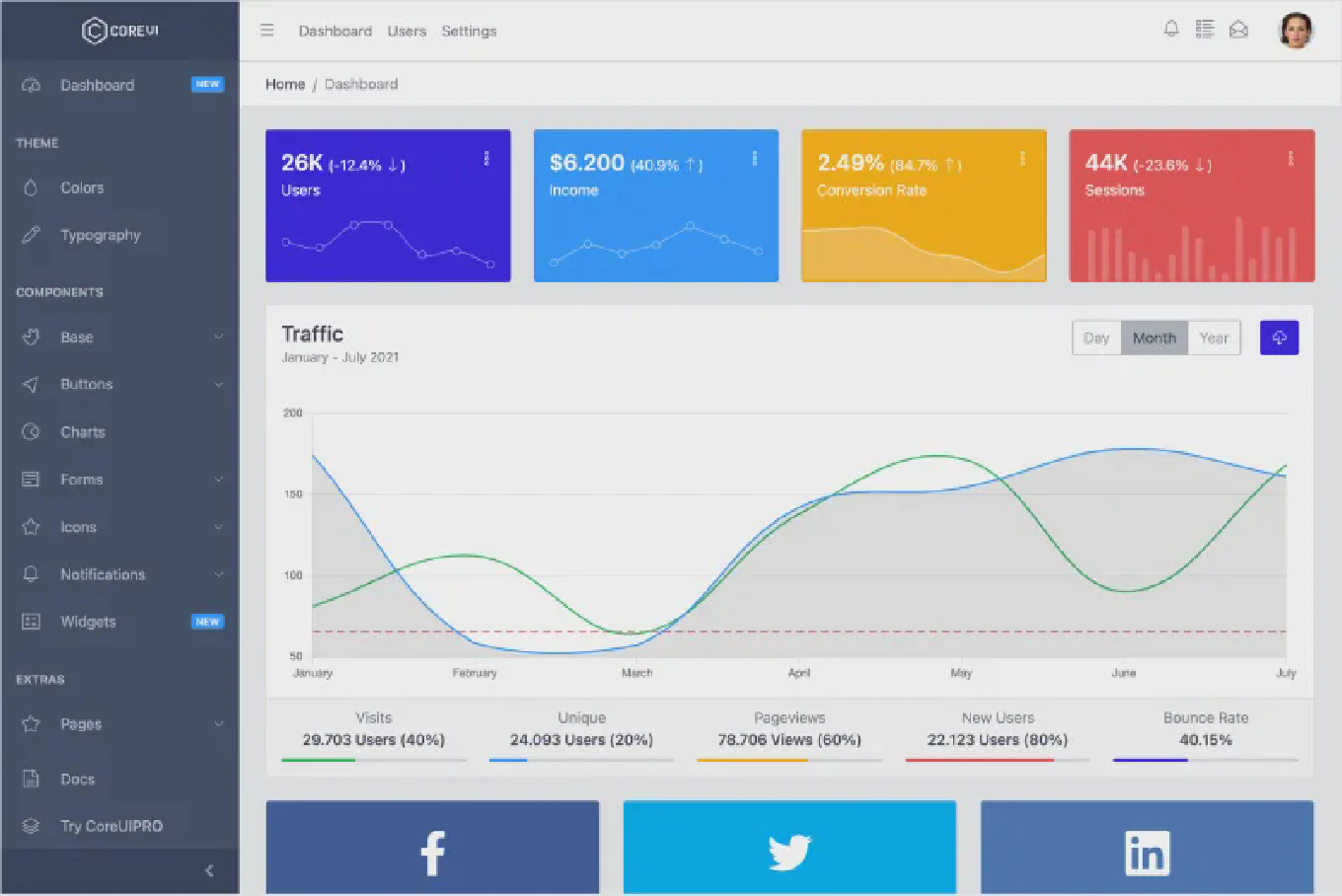
We are pleased to announce the release of CoreUI Free Bootstrap Admin Template v5.6.0. This release adds a search button to the header along with its own demo page, introduces a dedicated Chip Set demo, and brings a set of fixes to icons, internal links, and the build pipeline.
CoreUI PRO Bootstrap Admin Template v5.10.0 - Search Button and Chip Set Demos
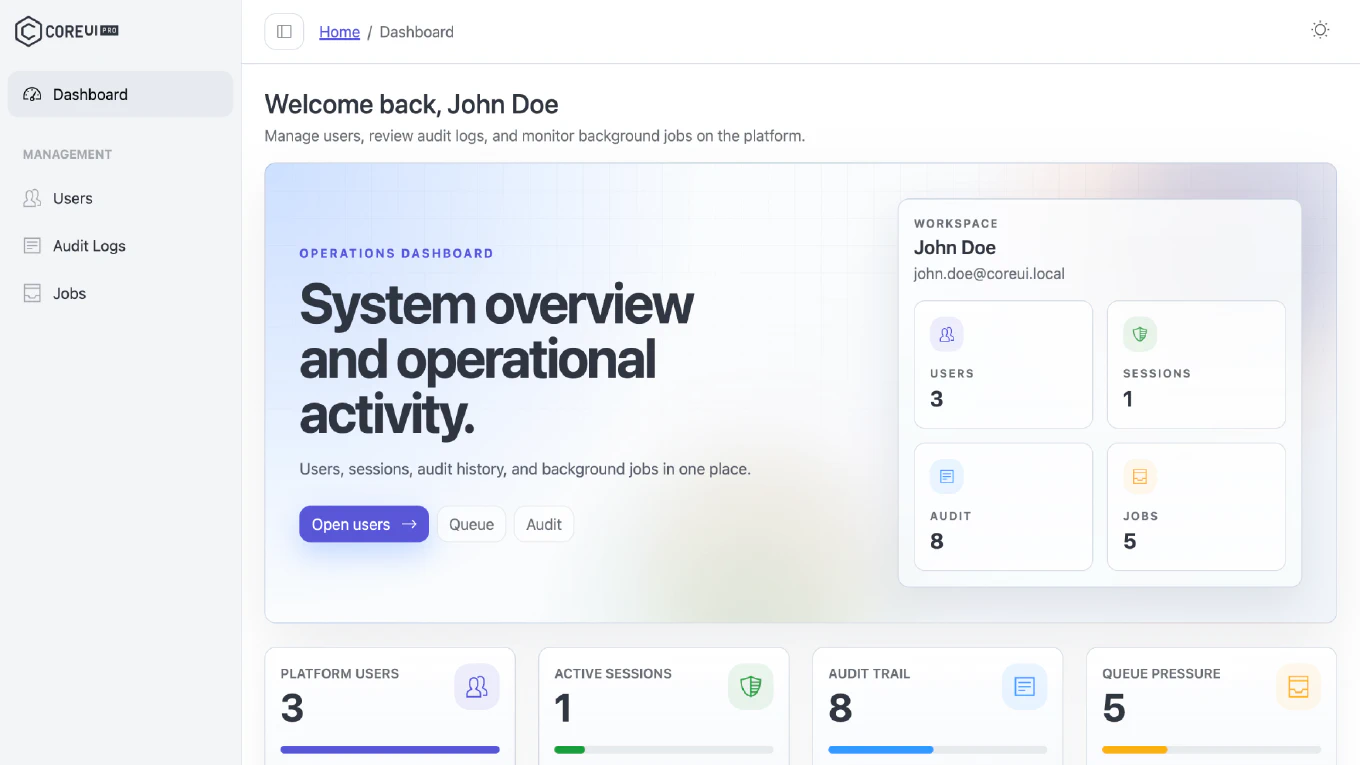
We are excited to announce the release of CoreUI PRO Bootstrap Admin Template v5.10.0. This release adds a search button to the header along with its own demo page, introduces a dedicated Chip Set demo, and brings a set of fixes to icons, internal links, and the build pipeline.
CoreUI PRO v5.27.1 - Picker and OTP Input Fixes
We are pleased to announce the release of CoreUI PRO v5.27.1 for Bootstrap. This maintenance release improves OTP input autofill, fixes string minDate/maxDate handling in the Date Picker and Date Range Picker, and refreshes the documentation tooling. No breaking changes were announced in the published release notes.
CoreUI PRO v5.27.0 - Accessibility, Security & MultiSelect Improvements
We are excited to announce the release of CoreUI PRO v5.27.0 for Bootstrap. This release brings extensive accessibility improvements across the Autocomplete, Calendar, Multi Select, Range Slider, and Rating components, security hardening through a shared sanitizer, and a range of picker fixes.