Trusted by millions of developers worldwide
Featured Bootstrap Admin Templates
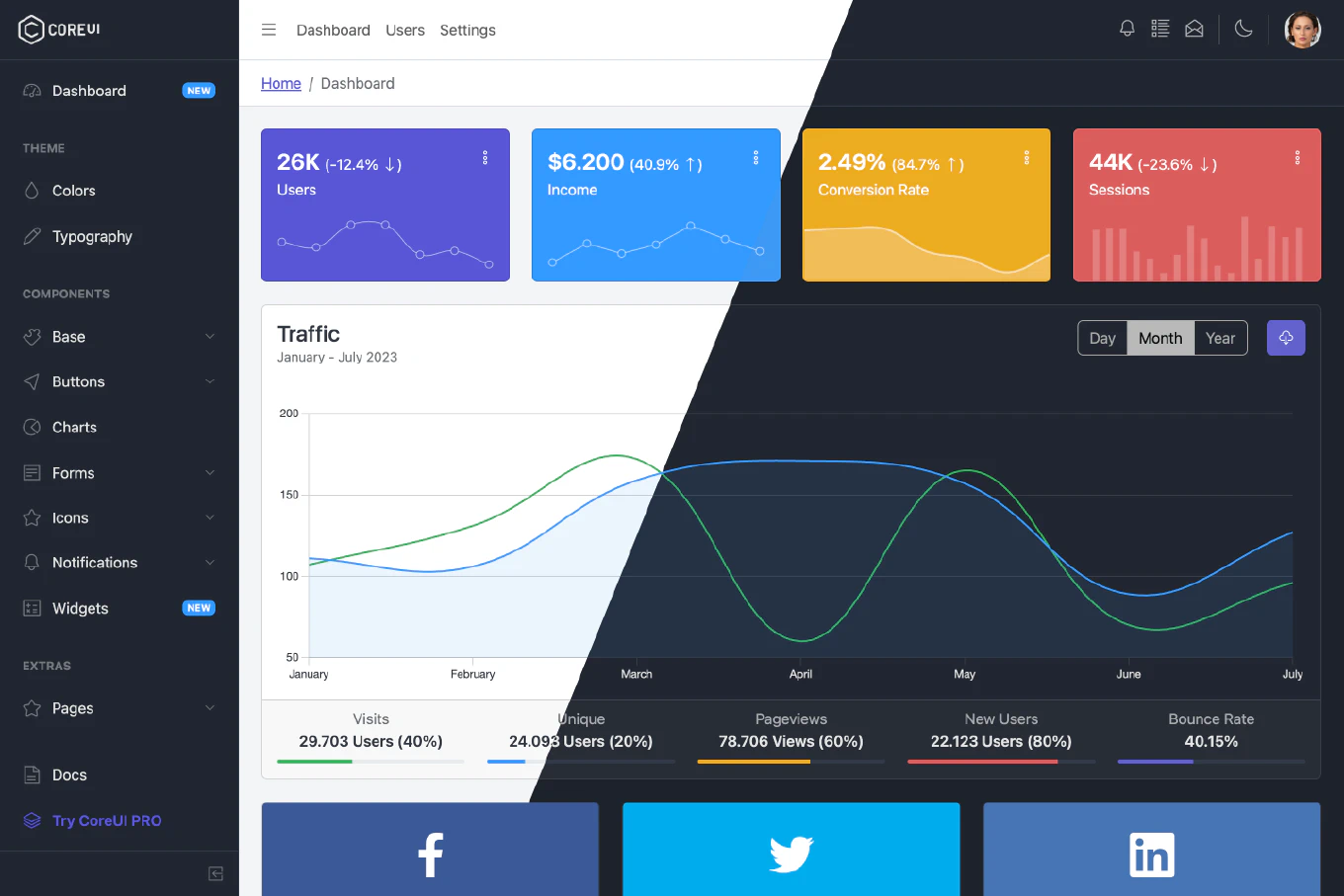
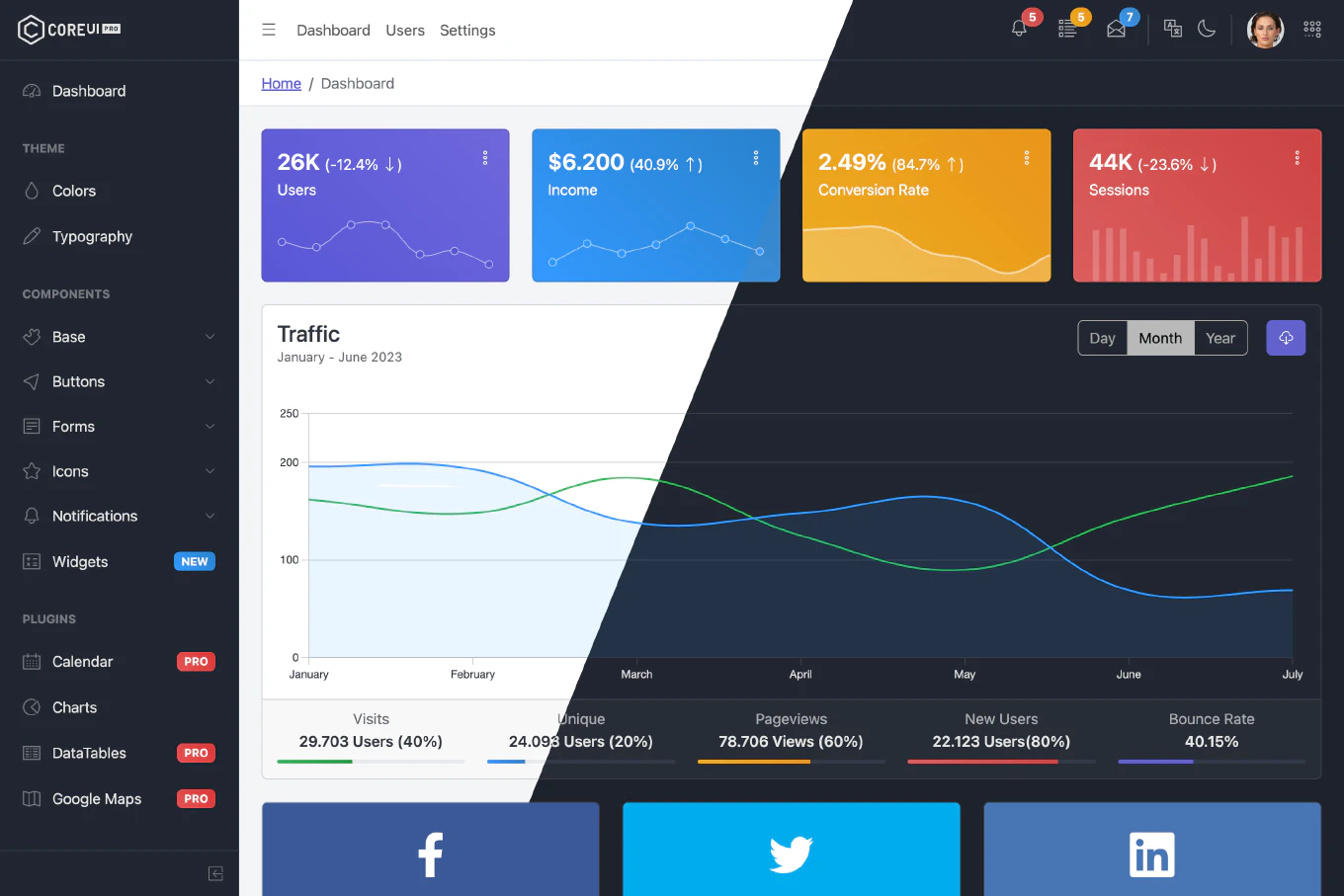
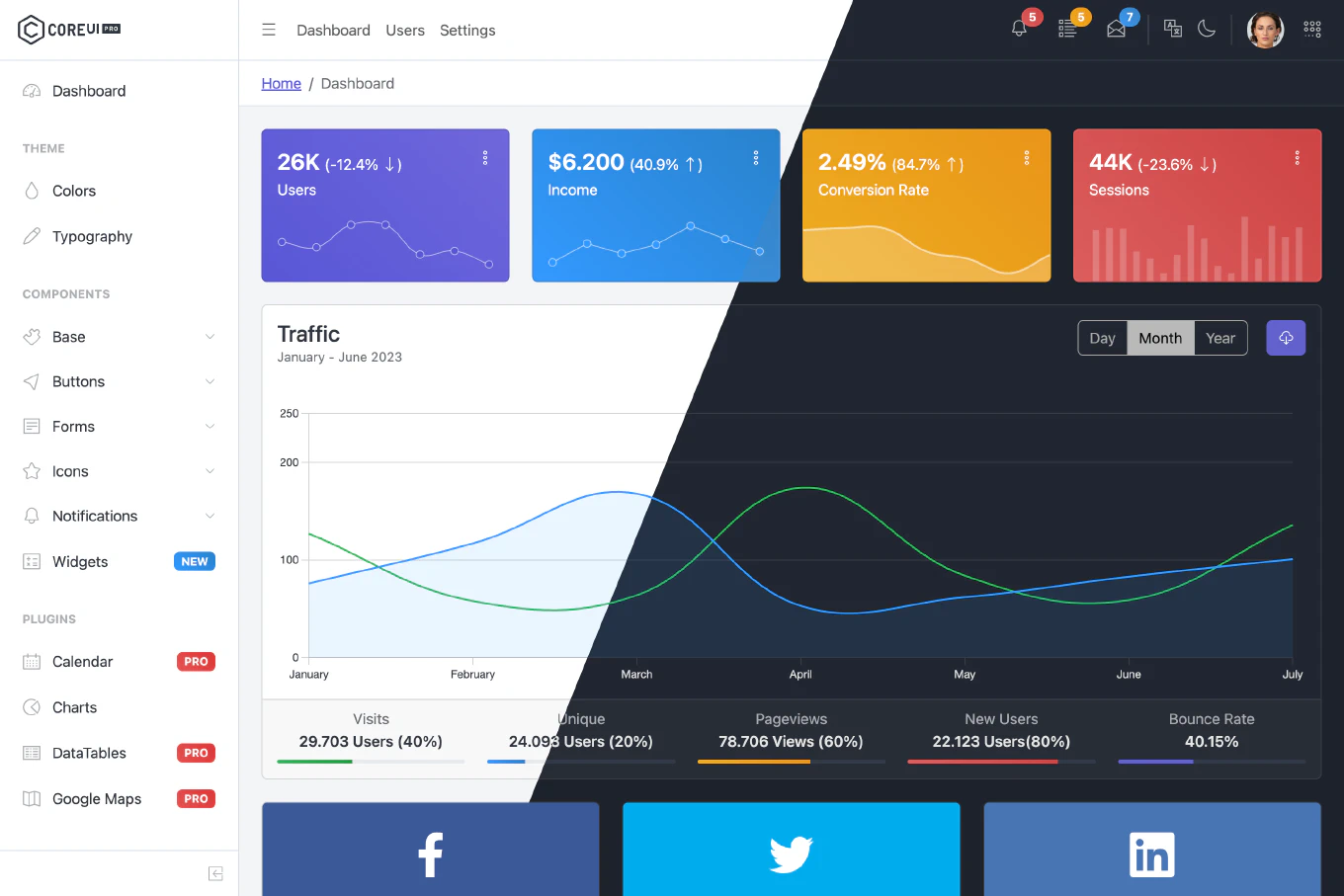
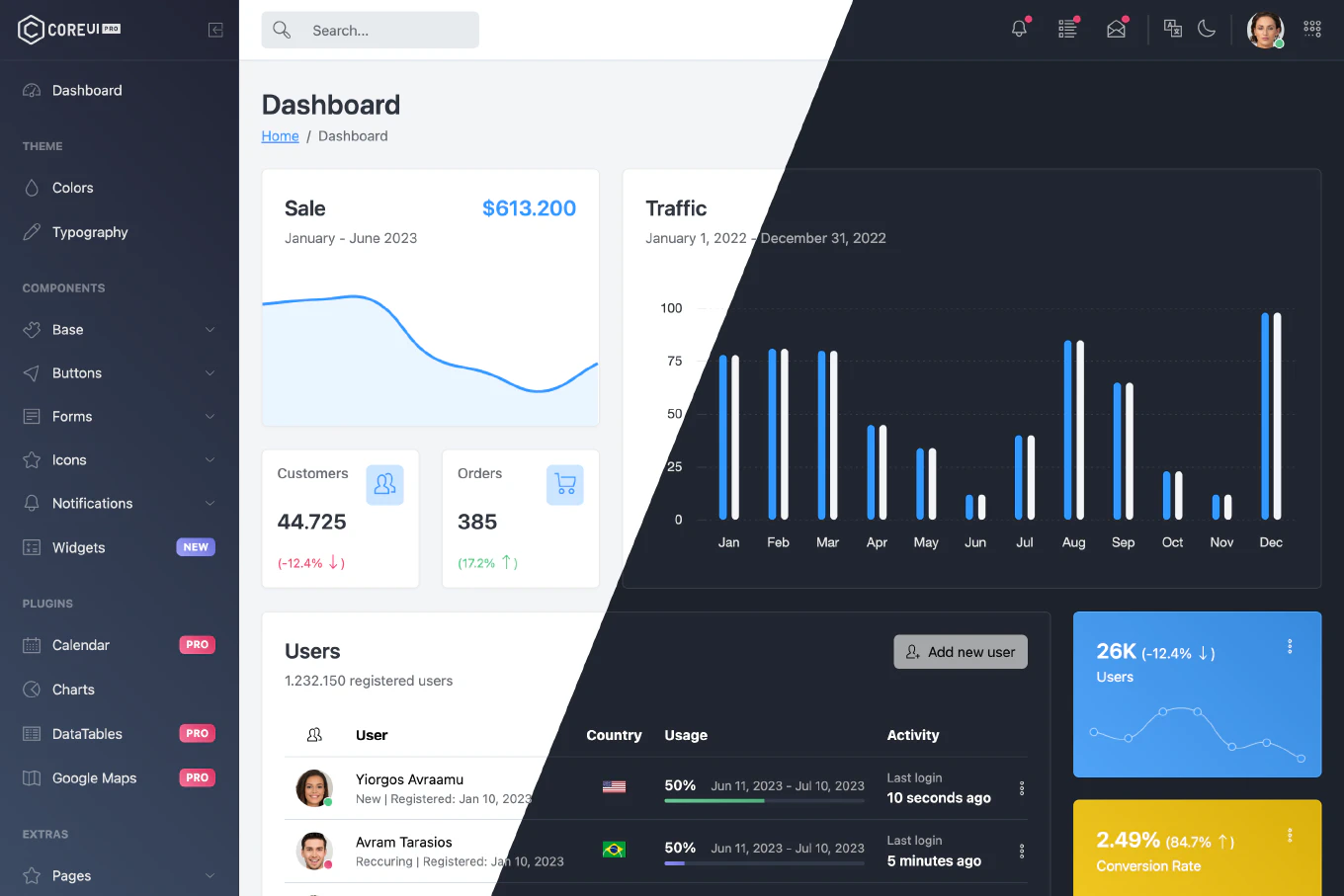
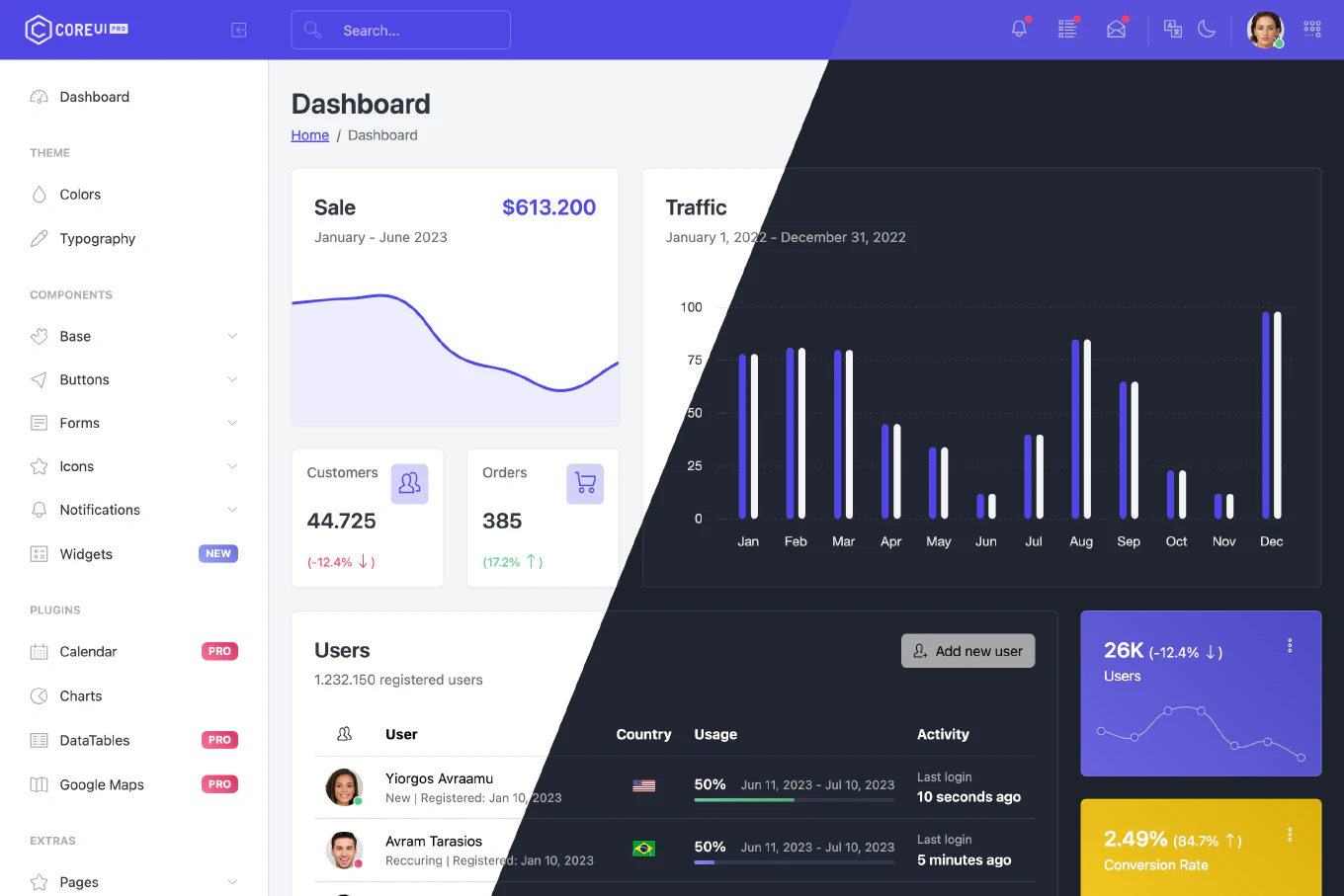
Take advantage of our production-ready Bootstrap dashboard templates.
Start building with fully responsive, modern designs that you can customize to fit any use case.
Works seamlessly with your favorite framework
Why choose CoreUI for your Bootstrap-based dashboard?
CoreUI for Bootstrap delivers everything you need to build modern, beautiful, responsive apps.
Reduce Development Hours
Leverage pre-built UI components and layouts to spend more time coding features, less time on boilerplate.
Open-Source with Enterprise-Level Support
Enjoy the flexibility of open-source software plus premium updates, documentation, and support when you need it.
Bootstrap on Steroids
Get access to advanced, dashboard-focused components not available in standard Bootstrap.
Responsive & Cross-Browser
Fully optimized for all devices and browsers, ensuring a consistent experience for every user.
Developer-Friendly Customization
Easily adapt colors, typography, and layouts to match your brand’s identity—no design degree required.
Built for Admin Panels & Dashboards
Optimized components including charts, tables, widgets, advanced form controls, and data visualization elements.
Accessibility Compliant
Built-in compliance with WCAG and ARIA guidelines, ensuring your dashboards are usable by everyone.
Ready to use and customizable UI components for Bootstrap.
Each component is fully customizable and responsive.
- Components
- Accordion
- Alert
- Badge
- Breadcrumb
- Buttons
- Button group
- Calendar
- Callout
- Cards
- Carousel
- Chip
- Chip Set
- Close Button
- Collapse
- Context Menu (v6-alpha)
- Dialog (v6-alpha)
- Drawer (v6-alpha)
- Dropdown
- Footer
- Header
- List Box (v6-alpha)
- List Group
- Loading Button
- Menu (v6-alpha)
- Modal
- Navs & tabs
- Navbar
- Offcanvas
- Pagination
- Popovers
- Progress
- Sidebar
- Spinner
- Table
- Toast
- Toaster (v6-alpha)
- Tooltip
- Transfer (v6-alpha)
- Forms
- Autocomplete
- Checkbox
- Chip Input
- Combobox (v6-alpha)
- Date Input (v6-alpha)
- Date Picker
- Date Range Input (v6-alpha)
- Date Range Picker
- Field (v6-alpha)
- Floating Labels
- Form Control Group (v6-alpha)
- Input
- Input Group
- Multi Select
- Number Input (v6-alpha)
- One Time Password Input
- Password Input
- Password Strength (v6-alpha)
- Range
- Range Slider
- Rating
- Select
- Stepper
- Textarea
- Time Input (v6-alpha)
- Time Picker
- Validation
- Helpers
- Clearfix
- Colored links
- Position
- Ratio
- Stretched link
- Text truncation
- Visually hidden
- Plugins
- Full Calendar
- Chart.js
- DataTables
- Google Maps
- Utilities
- Background
- Borders
- Colors
- Display property
- Flex
- Float
- Interactions
- Opacity
- Overflow
- Position
- Shadows
- Sizing
- Spacing
- Text
- Vertical alignment
- Visibility
CoreUI News
Accessible Focus Traps: Trap the Keyboard, Not the User
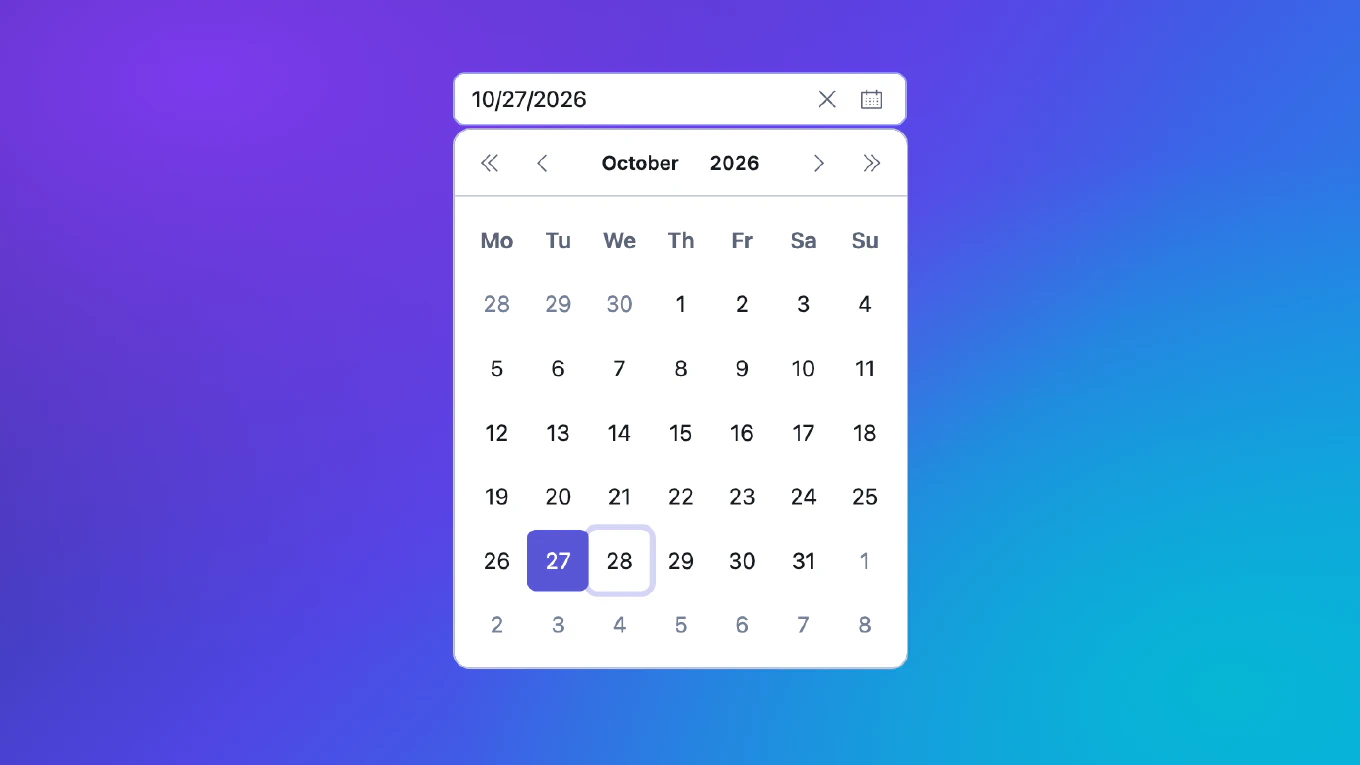
Date pickers, comboboxes, menus and popovers all open a panel on top of the page. The moment that panel opens, the keyboard has a question to answer: where does the focus go now, where may …
Read More…CoreUI v6 Alpha vs Bootstrap 6 Alpha: What We Took, What We Didn't, and Why

Bootstrap published its first v6 alpha on October 8. CoreUI v6 followed with its first alpha two weeks later. CoreUI has been built on Bootstrap from the start, so the obvious question is …
Read More…CoreUI v6 Alpha: What Changes and Why
The first alpha of CoreUI v6 is on npm. It covers three packages: CoreUI PRO
for Bootstrap (@coreui/coreui-pro), for React (@coreui/react-pro) and for
Vue (@coreui/vue-pro), each published …
Latest Releases
CoreUI Data Grid v0.5.0 - Toolbar Parts, Edit Tracking and Data Validation
We are excited to announce the release of CoreUI Data Grid v0.5.0. The toolbar is now built from public parts you can compose and reuse, the grid can track edited cells and validate rows, …
Read More…CoreUI Data Grid v0.4.0 - Safer Lookups and Smoother Virtualization
We are excited to announce the release of CoreUI Data Grid v0.4.0. This release fixes how the grid finds its own cells when a column key contains special characters, makes the Angular …
Read More…CoreUI Scheduler v0.2.0 - Controlled Date and View, CoreUI Controls, Server Rendering
We are excited to announce the release of CoreUI Scheduler v0.2.0, the first release since 0.1.0-rc.0. In React, Vue and Angular, date and view are now controlled whenever you set them, so …