CoreUI PRO Next.js Admin Template v3.3.0 - New Authentication Pages and Next.js 16.3 Update

We are pleased to announce the release of CoreUI PRO Next.js Admin Template v3.3.0. This feature release adds a complete set of authentication pages - including magic link, two-factor authentication, and the full password reset flow - together with new Chip Set and Search Button views, a dashboard synced with the React template, a reorganized navigation, FullCalendar v7, and an update to Next.js 16.3.1.
Speed up your responsive apps and websites with fully-featured, ready-to-use open-source admin panel templates—free to use and built for efficiency.




How to Update
Download the latest version from CoreUI Downloads.
After downloading:
npm install      # Install dependencies
npm run dev      # Start development server
npm run build    # Build for production
npm start        # Start production server
If you are updating an existing customized project, compare your local changes with the latest template files and bring over the parts you need before deploying. Pay special attention to the reorganized navigation described below.
What’s New
New Authentication Pages
The template now ships with a complete authentication flow out of the box:
- Login and Register pages.
- Magic Link Login and Magic Link Sent pages for passwordless sign-in.
- Two-factor authentication (2FA) page.
- Check Email, Reset Password, Change Password, and Password Changed pages covering the full password recovery flow.
The authentication markup was also aligned with the Bootstrap template for consistency across CoreUI products.
Chip Set and Search Button
- Added a Chip Set view showcasing the Chip components.
- Added a Search Button view, with the header rendering the search button after mount.
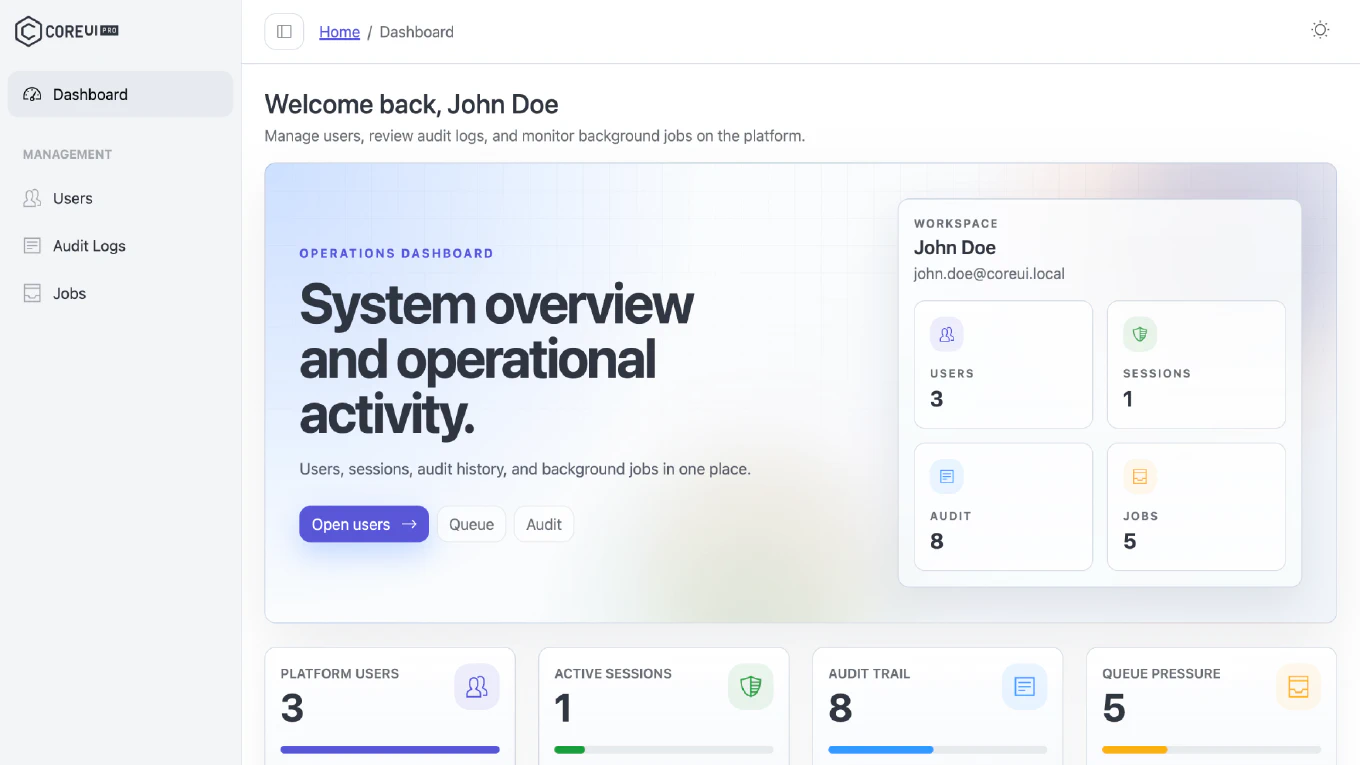
Dashboard Synced with the React Template
The dashboard was synced with the CoreUI React admin template, keeping content and layout consistent across the CoreUI template family.
Reorganized Navigation
The navigation and views were reorganized to match the React template’s information architecture. If your project links to the old routes, update those links after upgrading.
Dependency Updates
- Next.js updated to 16.3.1, with unused build tooling dropped and Next 16.3 agent rules file generation disabled.
- FullCalendar migrated to v7, with the remaining dependencies bumped to their latest compatible versions.
Migration Notes
This release reorganizes the navigation and upgrades key dependencies, so review these points when updating a customized project:
- Update any links that point to the old routes to match the React template’s information architecture.
- If you customized the calendar views, verify them against the FullCalendar v7 API.
- Install updated dependencies, run your test suite, and verify the build before deploying.
For the latest package files and update access, visit CoreUI Downloads.