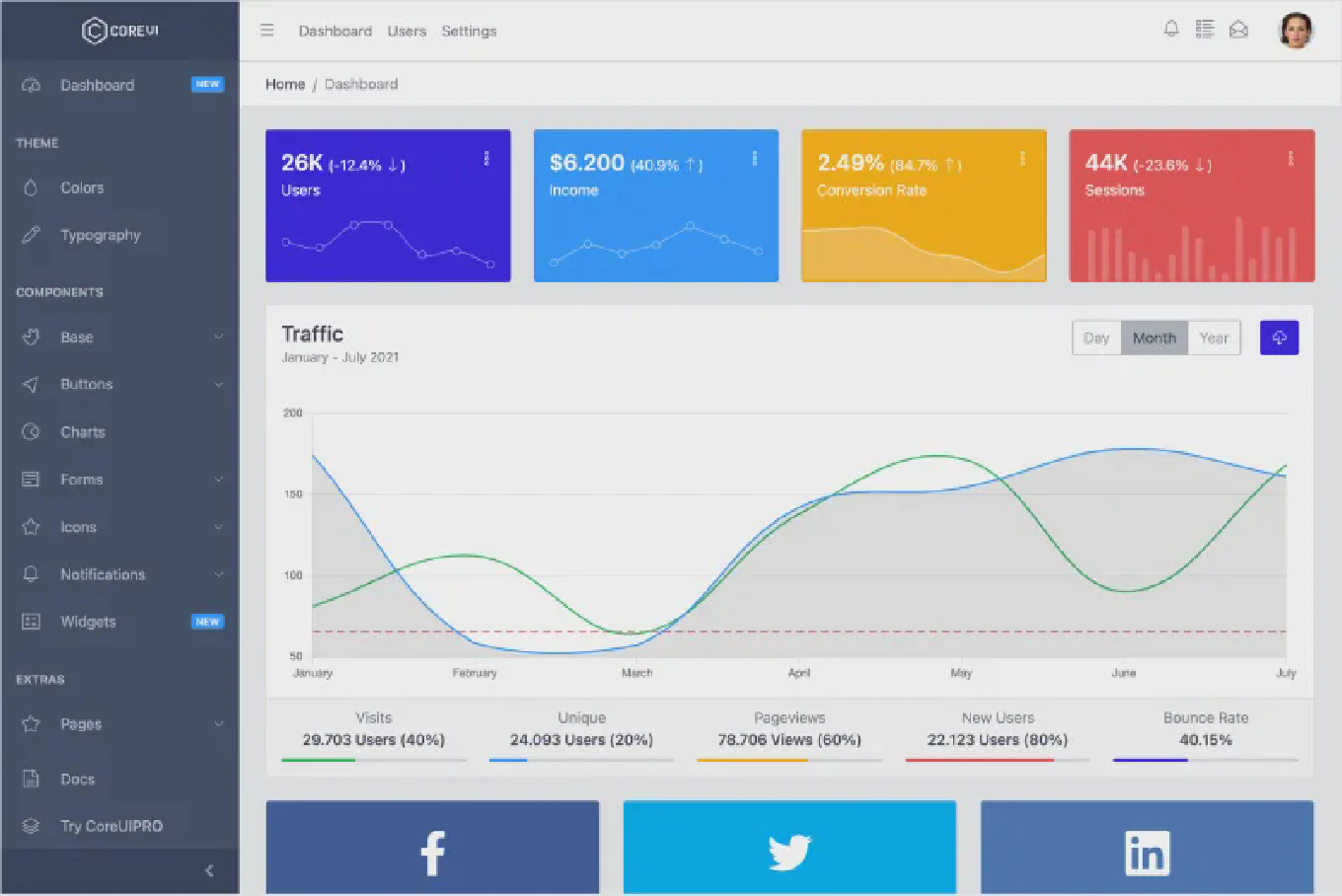
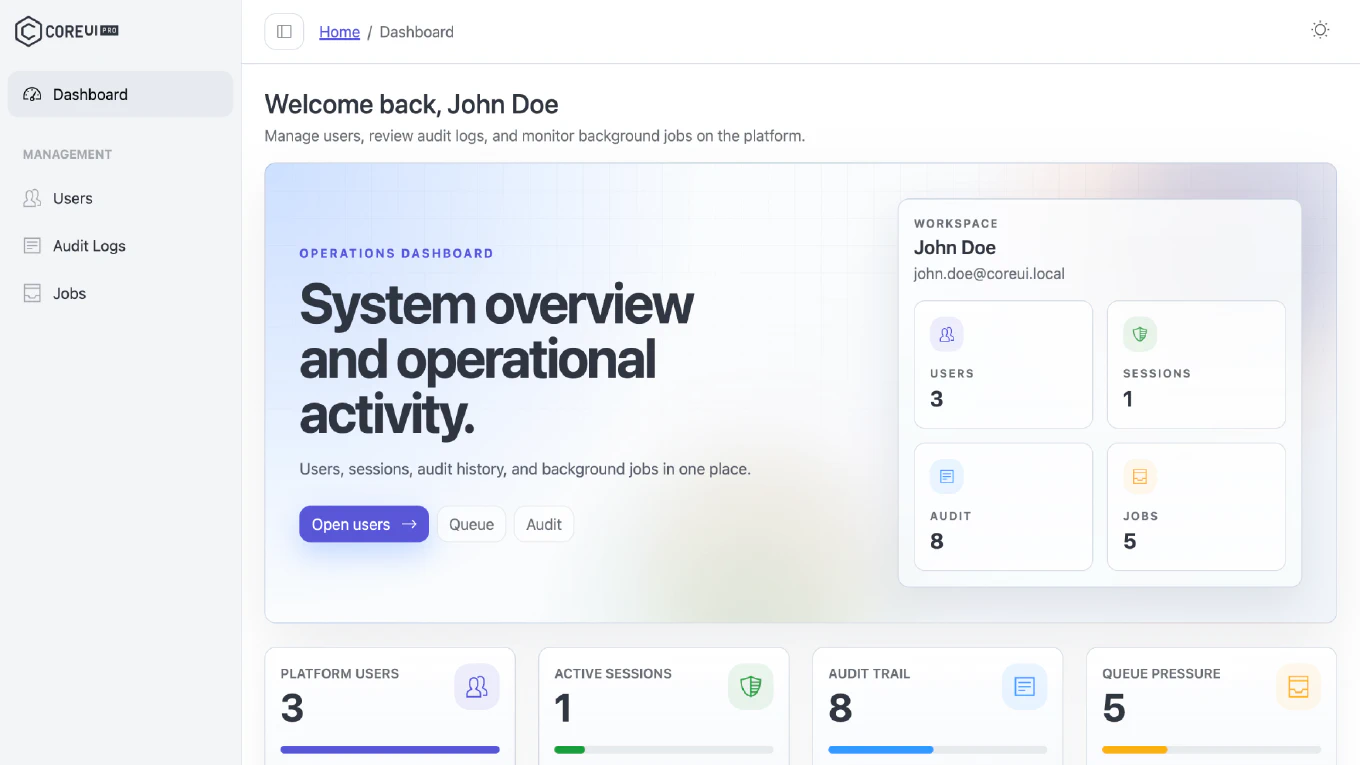
CoreUI Free Angular Admin Template v5.7.33 - ngx-scrollbar 19 and Angular 22.2.1 Update

We are pleased to announce the release of CoreUI Free Angular Admin Template v5.7.33. This update moves the sidebar scrollbar from ngx-scrollbar 13 to ngx-scrollbar 19, aligns the template with Angular 22.2.1, and refreshes the bundled CoreUI packages.
Speed up your responsive apps and websites with fully-featured, ready-to-use open-source admin panel templates—free to use and built for efficiency.




How to Update
Download the latest source from GitHub releases.
After downloading, install dependencies and start the project:
npm install
ng serve
If you are updating an existing customized project, compare your local changes with the latest template files and bring over the parts you need before deploying. Pay special attention to the default layout files if you customized the sidebar scrollbar.
What’s New
ngx-scrollbar 19
ngx-scrollbar moves from ^13.0.3 to ^19.1.5, and the scrollable sidebar navigation in the default layout was updated to the v19 API:
<ng-scrollbar>indefault-layout.component.htmlnow usesappearance="compact" orientation="vertical" visibility="hover" visibleOnScrollinstead ofpointerEventsMethod="scrollbar" visibility="hover".default-layout.component.tsimports theNgScrollHoverVisibilityaddon fromngx-scrollbar/addons. WithvisibleOnScroll, the scrollbar also appears while the navigation is scrolled with the keyboard, a touchpad, or from code, not only when the pointer hovers over it.default-layout.component.scssuses the v19 CSS variables (--scrollbar-track-offset,--scrollbar-track-thickness,--scrollbar-track-hover-thickness,--scrollbar-track-shape,--scrollbar-thumb-shape) and keeps the previous look: a 5px thumb that grows to 7.5px on hover, in the same colors.
Angular 22.2.1 Alignment
This release keeps CoreUI Free Angular Admin Template aligned with Angular 22.2.1, ensuring that framework packages, build tooling, and runtime dependencies stay in sync for smoother upgrades and better day-to-day stability.
CoreUI Package Refresh
- Updated bundled CoreUI Angular packages to 5.7.32 for version consistency across the project.
- Keeps the main package, Chart.js integration, and icons package aligned with the current release of CoreUI for Angular.
Dependency Updates
We have updated key dependencies to their latest compatible versions for CoreUI Free Angular Admin Template v5.7.33:
Angular Core Updates
@angular/ariato:22.2.1@angular/cdkto:22.2.1@angular/commonto:22.2.1@angular/compilerto:22.2.1@angular/coreto:22.2.1@angular/formsto:22.2.1@angular/localizeto:22.2.1@angular/platform-browserto:22.2.1@angular/routerto:22.2.1
Angular Development Tools
@angular/buildto:22.2.1@angular/clito:22.2.1@angular/compiler-clito:22.2.1@angular/language-serviceto:22.2.1
CoreUI Packages
@coreui/angularto:5.7.32@coreui/angular-chartjsto:5.7.32@coreui/icons-angularto:5.7.32
Third-Party Packages
ngx-scrollbarto:19.1.5
Development Tools
@types/nodeto:26.6.4@vitest/browser-playwrightto:5.0.3vitestto:5.0.3
Migration Notes
This release moves ngx-scrollbar six major versions forward, so review these points when updating a customized project:
- If you customized the sidebar scrollbar, move your settings to the v19 API:
--scrollbar-size,--scrollbar-hover-size,--scrollbar-padding, and--scrollbar-border-radiusare replaced by--scrollbar-track-thickness,--scrollbar-track-hover-thickness,--scrollbar-track-offset, and the--scrollbar-track-shape/--scrollbar-thumb-shapepair. The template no longer setspointerEventsMethodon<ng-scrollbar>. - If you use
visibleOnScrollon your own<ng-scrollbar>elements, importNgScrollHoverVisibilityfromngx-scrollbar/addonsin that component. - If you use
ngx-scrollbarelsewhere in your application, check those usages against version 19 after installing the updated dependencies. - Install updated dependencies, run your test suite, and verify the build before deploying.
For a comprehensive overview of all changes, enhancements, and updates introduced in this release, please refer to the full changelog on GitHub.