CoreUI Free Vue.js Admin Template v5.6.0 - Navigation Reorganization and New Demos

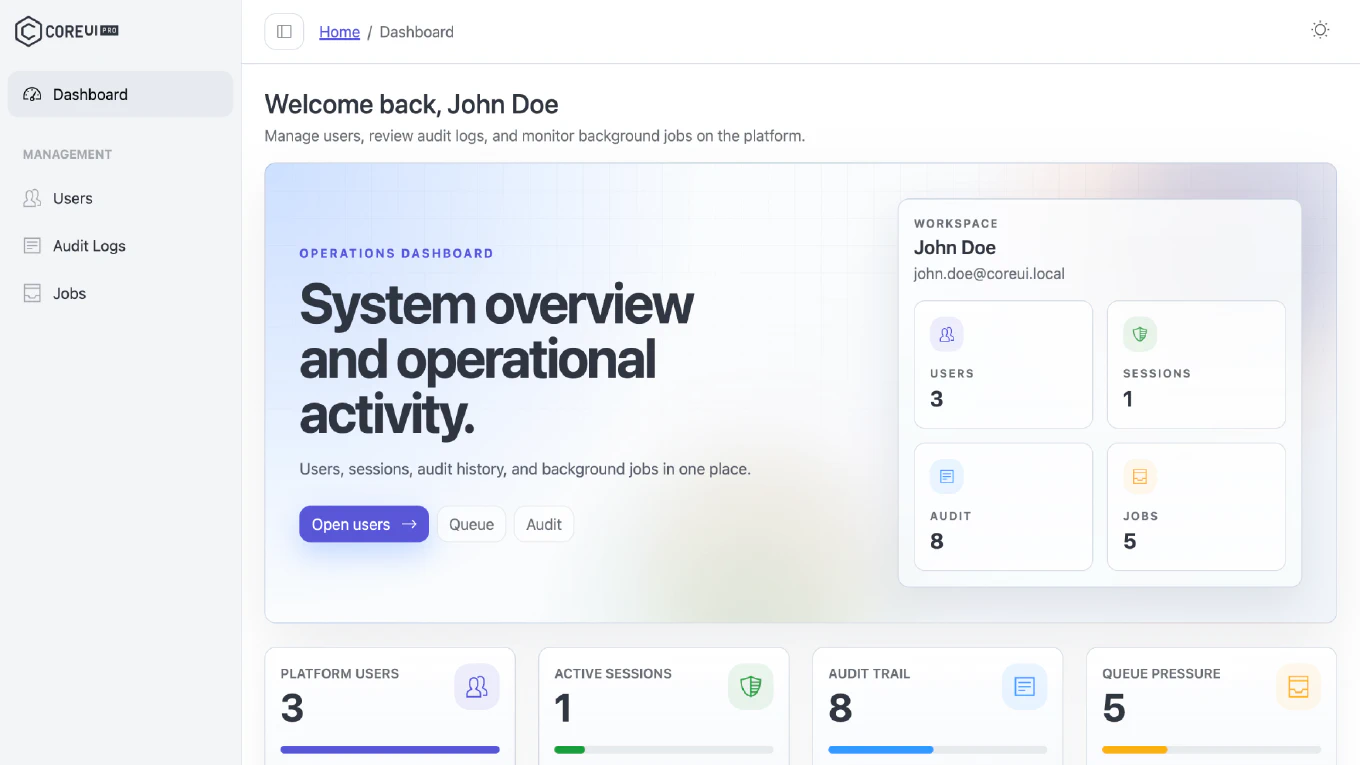
We are pleased to announce the release of CoreUI Free Vue.js Admin Template v5.6.0. This release aligns the navigation and views with the information architecture of the Bootstrap template, adds new component demos, and refreshes the tooling and dependencies.
Speed up your responsive apps and websites with fully-featured, ready-to-use open-source admin panel templates—free to use and built for efficiency.




How to Update
Download the latest source from GitHub releases.
After downloading, install dependencies and start the project:
npm install
npm run dev
If you are updating an existing customized project, compare your local changes with the latest template files and bring over the parts you need before deploying.
What’s New
Navigation and Views
- Reorganized the navigation and views to match the information architecture of the CoreUI Bootstrap admin template, so the two templates stay consistent with each other.
New Demos
- Added a Chip Set demo built on the Chip component.
- Added a Search Button demo.
- Fixed drift in
ARCHITECTURE.mdso the documented structure matches the project again.
Documentation
- Added a Data Grid section to the README.
Tooling
- Lint no longer walks the
.demosbuild output, which keeps ESLint from scanning large demo bundles.
Dependency Updates
We have updated key dependencies to their latest compatible versions for CoreUI Free Vue.js Admin Template v5.6.0:
eslintto:10(major version upgrade)piniato:4(major version upgrade)- Bumped the remaining minor and patch dependency updates.
Migration Notes
This is a maintenance release with no breaking changes announced in the published release notes. After upgrading:
- Install updated dependencies.
- Run your test suite and verify the build.
- If you customized the navigation or the views, compare them with the reorganized structure before deploying.
- Review your ESLint configuration after the major upgrade to ESLint 10.
For a comprehensive overview of all changes, enhancements, and updates introduced in this release, please refer to the full changelog on GitHub.