CoreUI PRO Angular Admin Template v5.7.32 - Angular 22.2.0, spawn EBADF Fix, and Refreshed Dashboard

We are pleased to announce the release of CoreUI PRO Angular Admin Template v5.7.32. This update moves the template to Angular 22.2.0 and Vitest 5, removes the preserveSymlinks option that makes ng serve -o and ng test fail with spawn EBADF on Angular 22.2, drops the @angular/animations and zone.js dependencies, and refreshes the dashboard. It is the first PRO release after v5.7.23 and covers all changes since then.
Speed up your responsive apps and websites with fully-featured, ready-to-use open-source admin panel templates—free to use and built for efficiency.




How to Update
Download the latest version from CoreUI Downloads.
After downloading:
npm install
ng serve
If you are updating an existing customized project, compare your local changes with the latest template files and bring over the parts you need before deploying. At minimum, remove the preserveSymlinks line from your own angular.json (see Migration Notes).
What’s New
Watch Mode Fix: spawn EBADF
The "preserveSymlinks": true option was removed from the build options in angular.json.
With @angular/build 22.2.0, that option makes the watcher follow symlinks and stop excluding node_modules. On macOS the process then holds tens of thousands of open file descriptors, and every child process the CLI starts fails with spawn EBADF:
ng serve -ocompiles, but the browser never opens.ng testin watch mode runs no tests, because the Vitest workers cannot start.- In larger workspaces, for example with builds of several themes kept in
dist/,ng serveorng build --watchcrashes right after the first build withEMFILE: too many open filesinstead.
Earlier versions of the template carry the option, and their @angular/build range resolves to 22.2.0 on a fresh install, so they show the same errors. Read the full explanation in Fixing “Error: spawn EBADF” in Angular 22.2 ng serve and ng test.
@angular/animations and zone.js Removed
@angular/animationswas removed from the dependencies, andprovideAnimationsAsync()was removed from the providers insrc/app/app.config.ts. CoreUI PRO for Angular 5.7.31, bundled with this release, does not list@angular/animationsas a peer dependency.- The static backdrop example in the modal view no longer sets the
[@.disabled]animation binding, and the component specs no longer importNoopAnimationsModule. zone.jswas removed from the dependencies. The template never loaded it: the only build polyfill is@angular/localize/init.
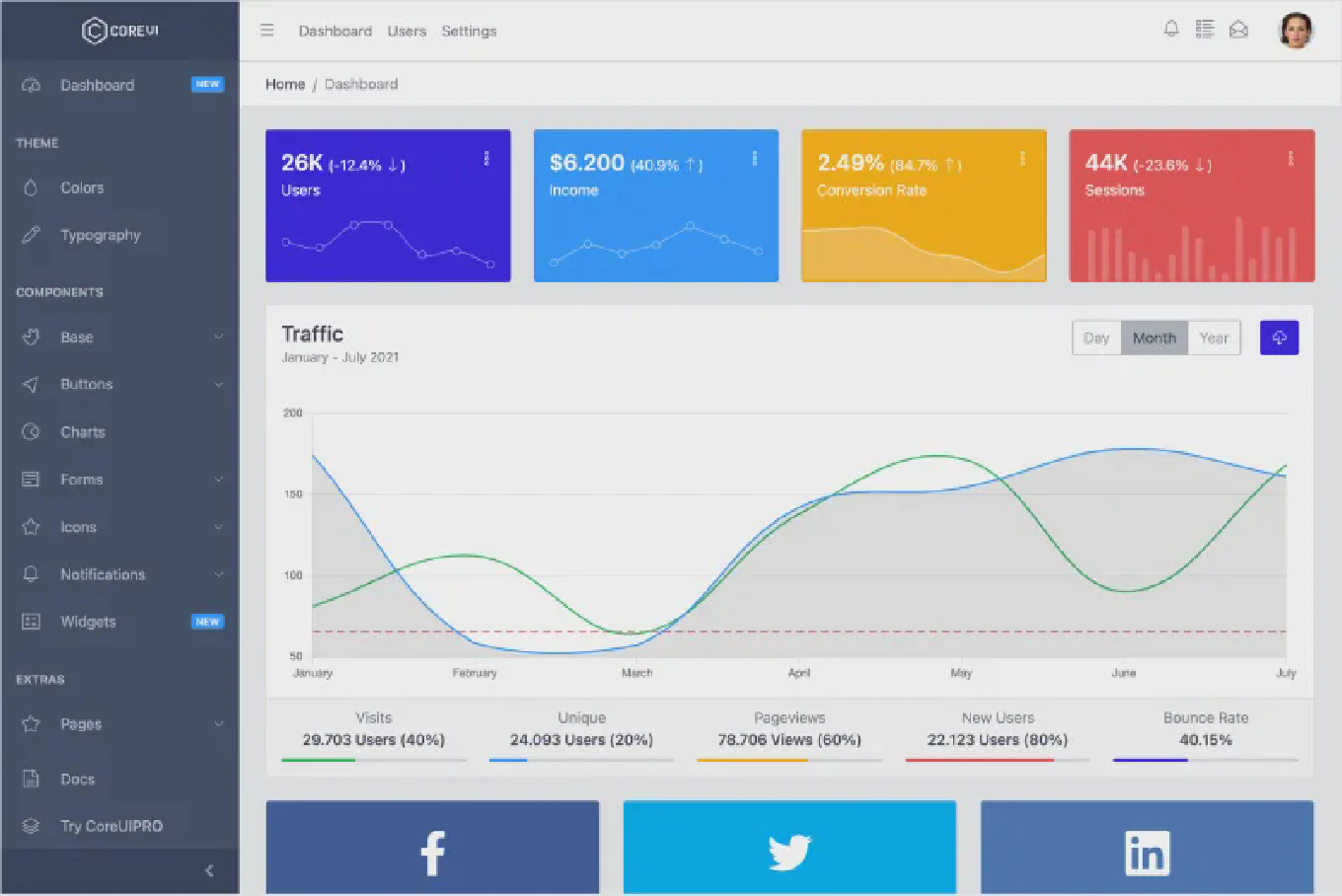
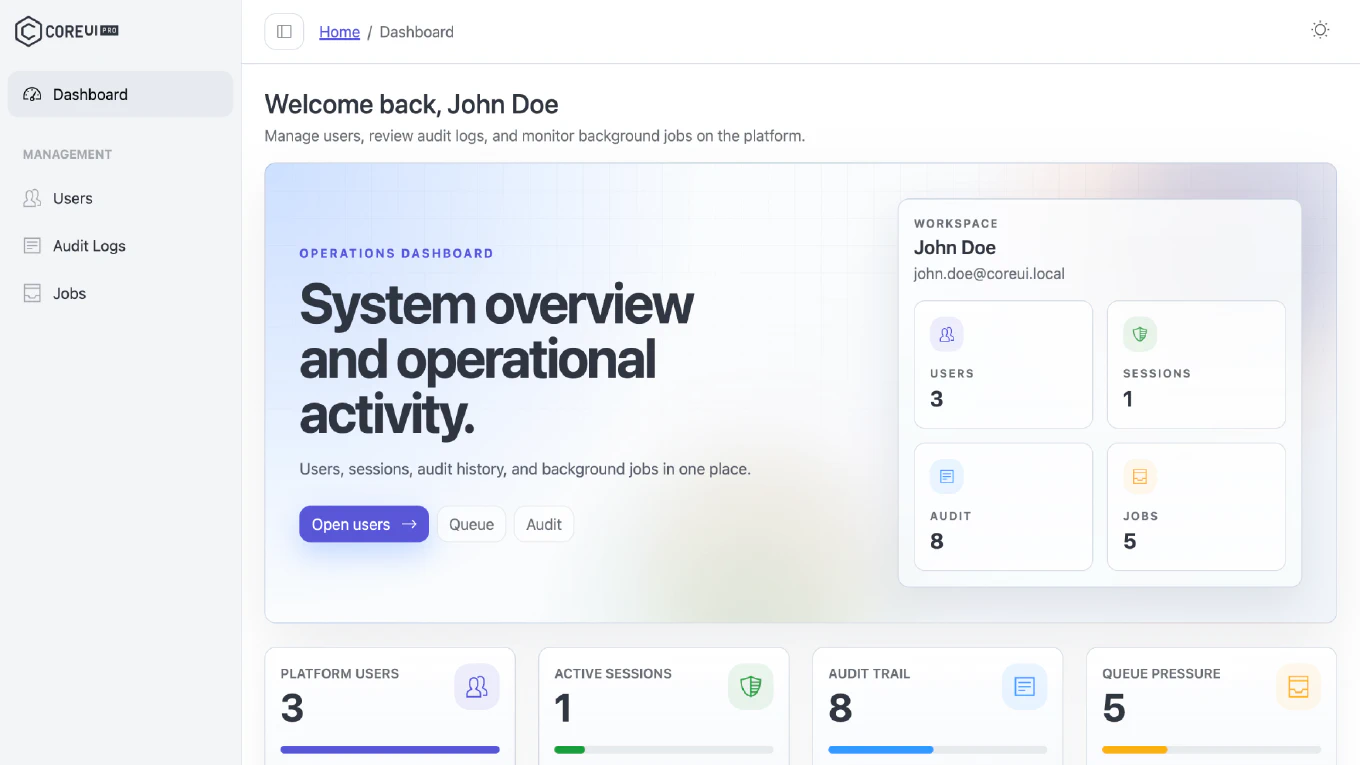
Refreshed Dashboard
- The brand widgets row on the dashboard is now a dedicated
DashboardBrandComponent(src/app/views/dashboard/dashboard-brand/) with threec-widget-stat-dcards for Facebook, YouTube, and LinkedIn. It replaces the<app-widgets-brand [withCharts]="true">row with charts. - In the traffic sources list, ChatGPT replaces Facebook, and Organic Search, Twitter, and LinkedIn use new icons. The
chatgpt,linkedinBadge, andtwitterXicons andcibYoutubewere added to the icon subset. - The sample data uses current dates: the traffic chart covers October 2025 - April 2026, and the users table shows registration dates from 2024 and 2025 and usage periods in 2026.
Components Section
/componentsnow opens the Accordion view instead of Cards.- The route title of the Placeholders view, shown in the breadcrumb, was corrected from “Placeholder” to “Placeholders”.
Angular 22.2.0 and Vitest 5
- Framework packages, the Angular CLI, and the build tooling move from Angular 22.1.4 to Angular 22.2.0.
- The test runner moves from Vitest 4.1 to Vitest 5 (
vitest5.0.2). - Prettier was added as a development dependency, with a
.prettierrc.jsconfiguration (single quotes, 120-character lines, the Angular parser for HTML templates).
CoreUI PRO Package Refresh
- Updated the bundled CoreUI PRO Angular packages to 5.7.31 for version consistency across the project.
- Keeps the main package, Chart.js integration, and icons package aligned with the current release of CoreUI PRO for Angular.
Dependency Updates
We have updated key dependencies to their latest compatible versions for CoreUI PRO Angular Admin Template v5.7.32:
Angular Core Updates
@angular/ariato:22.2.0@angular/cdkto:22.2.0@angular/commonto:22.2.0@angular/compilerto:22.2.0@angular/coreto:22.2.0@angular/formsto:22.2.0@angular/google-mapsto:22.2.0@angular/localizeto:22.2.0@angular/platform-browserto:22.2.0@angular/routerto:22.2.0
Angular Development Tools
@angular/buildto:22.2.0@angular/clito:22.2.0@angular/compiler-clito:22.2.0@angular/language-serviceto:22.2.0
CoreUI PRO Packages
@coreui/angular-proto:5.7.31@coreui/angular-chartjsto:5.7.31@coreui/icons-angularto:5.7.31
Third-Party Packages
@googlemaps/js-api-loaderto:2.1.3
Development Tools
@types/google.mapsto:3.66.4@types/nodeto:26.6.3jsdomto:30.1.1prettier:3.9.9(new)vitestto:5.0.2
Removed
@angular/animationszone.js
Migration Notes
This release changes the build configuration and removes two dependencies, so review these points when updating a customized project:
- Remove
"preserveSymlinks": truefrom thebuildoptions in yourangular.json, or set it tofalse, then restartng serveorng test. This also fixesEMFILE, so you don’t need to cleandist/or raise system limits. Keep the option only if you develop against symlinked packages (npm link, local workspace links); in that case pin@angular/buildto 22.1.x, or leave the option out and pass--preserve-symlinkstong buildwhen you need it. - If your own code uses Angular animations (
@angular/animations,provideAnimationsAsync(),BrowserAnimationsModule,NoopAnimationsModule, or@triggerbindings), keep@angular/animationsin yourpackage.jsonand keep the animations provider in your app config when merging the newapp.config.ts. - If your application opts into zone-based change detection, keep
zone.jsin your dependencies. - If you customized the dashboard, merge the new
DashboardBrandComponentand the updateddashboard.component.htmlwith your changes. - If you added your own Vitest configuration or test utilities, check them against Vitest 5.
- Install updated dependencies, run your test suite, and verify the build before deploying.
For the latest package files and update access, visit CoreUI Downloads.