CoreUI Free Angular Admin Template v5.7.44 - Chip Views and Angular 22.3.0 Update
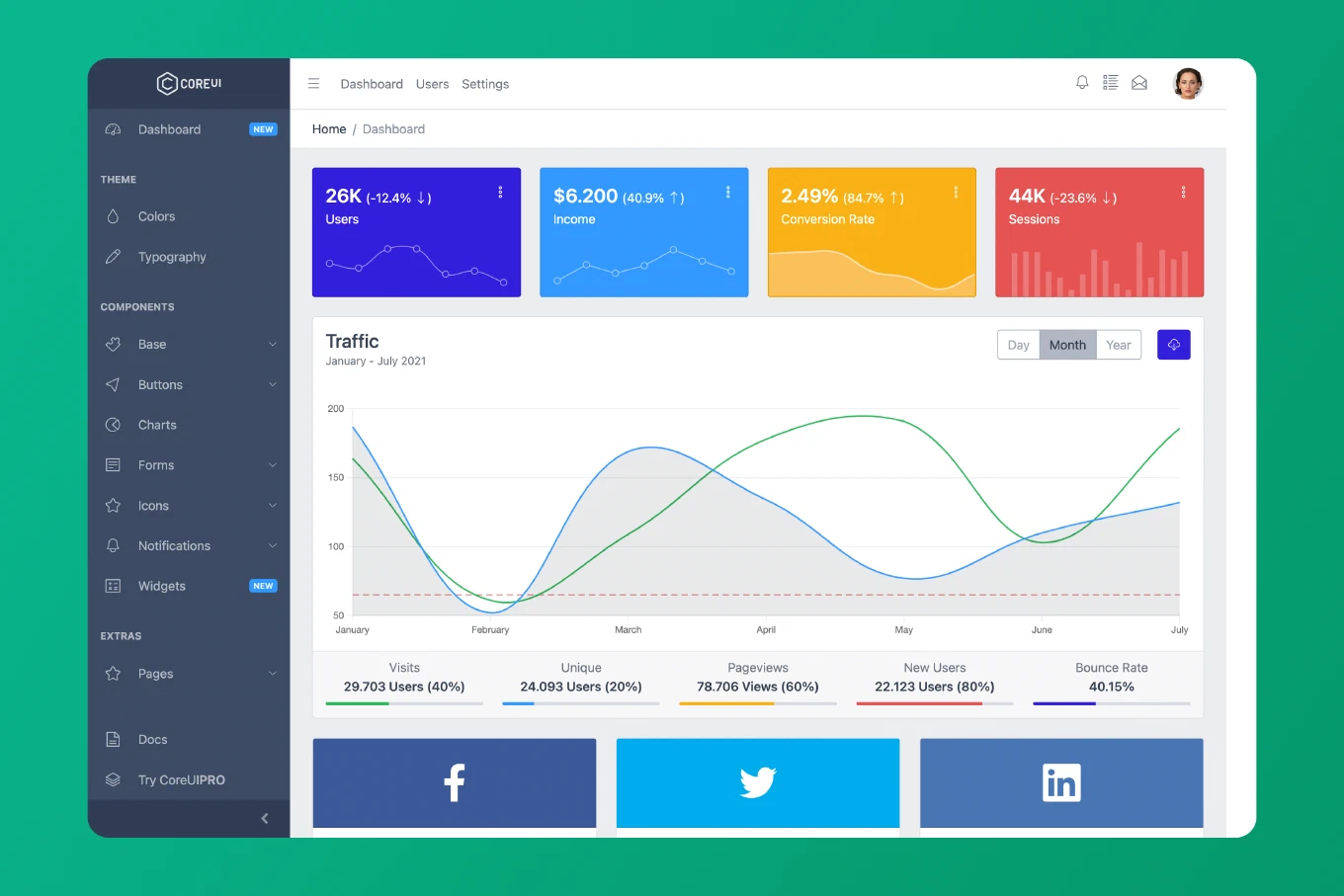
We are pleased to announce the release of CoreUI Free Angular Admin Template v5.7.44. This release rolls up the template updates since v5.7.33: new Chip, Chip Set and Chip Input views, icon views that load the CoreUI Icons sprites, alignment with Angular 22.3.0, and the bundled CoreUI packages updated to CoreUI for Angular v5.7.44.
Speed up your responsive apps and websites with fully-featured, ready-to-use open-source admin panel templates—free to use and built for efficiency.
How to Update
Download the latest source from GitHub releases.
After downloading, install dependencies and start the project:
npm install
ng serve
The template now requires Node.js ^22.23.4, ^24.22.1 or ^26.12.1.
If you are updating an existing customized project, compare your local changes with the latest template files and bring over the parts you need before deploying. Pay special attention to angular.json and the icon views - see the Migration Notes.
What’s New
Chip, Chip Set and Chip Input Views
Three new views show the components added in CoreUI for Angular v5.7.36:
- Components > Chip (
/components/chip) - Chip examples. - Components > Chip Set (
/components/chip-set) - Chip Set examples. - Forms > Chip Input (
/forms/chip-input) - Chip Input examples.
Icon Views Load the CoreUI Icons Sprites
The CoreUI Icons views (Free, Brands, Flags) read the icon list from the sprite of the selected set with httpResource.text() and no longer register the icon sets in IconSetService. angular.json copies the sprites from node_modules/@coreui/icons/sprites/ to /assets/icons/, and the initial bundle budget is now 1.5 MB (warning) and 2 MB (error).
Angular 22.3.0 Alignment
This release keeps CoreUI Free Angular Admin Template aligned with Angular 22.3.0, ensuring that framework packages, build tooling, and runtime dependencies stay in sync for smoother upgrades and better day-to-day stability.
CoreUI Package Refresh
- Updated bundled CoreUI Angular packages to 5.7.44 for version consistency across the project.
- Keeps the main package, Chart.js integration, and icons package aligned with the current release of CoreUI for Angular.
Tests
Specs were added for the default layout, the dashboard, the CoreUI Icons view, the toast sample and the new Chip, Chip Set and Chip Input views.
Dependency Updates
We have updated key dependencies to their latest compatible versions for CoreUI Free Angular Admin Template v5.7.44:
Angular Core Updates
@angular/ariato:22.3.0@angular/cdkto:22.3.0@angular/commonto:22.3.0@angular/compilerto:22.3.0@angular/coreto:22.3.0@angular/formsto:22.3.0@angular/localizeto:22.3.0@angular/platform-browserto:22.3.0@angular/routerto:22.3.0
Angular Development Tools
@angular/buildto:22.3.0@angular/clito:22.3.0@angular/compiler-clito:22.3.0@angular/language-serviceto:22.3.0
CoreUI Packages
@coreui/angularto:5.7.44@coreui/angular-chartjsto:5.7.44@coreui/coreuito:5.9.1@coreui/icons-angularto:5.7.44
Third-Party Packages
chart.jsto:4.6.1tslibto:2.9.1
Development Tools
@types/nodeto:26.6.6@vitest/browser-playwrightto:5.1.1jsdomto:31.0.1playwrightto:1.65.1vitestto:5.1.1
Migration Notes
When updating a customized project:
- Node.js: use
^22.23.4,^24.22.1or^26.12.1; older patch releases no longer match theenginesfield. - Icon views: if you keep the CoreUI Icons views, add the sprite asset entry from
angular.json(node_modules/@coreui/icons/sprites/*.svgto/assets/icons/) and updatecoreui-icons.component.ts. The view no longer needsIconSetServiceor thefreeSet,brandSetandflagSetimports. - Bundle budget: the initial bundle budget dropped from 7 MB / 8 MB to 1.5 MB / 2 MB. If your application is larger, keep your own budget values in
angular.json. - Tests: Playwright 1.65.1 uses a new Chromium build; run
npx playwright install --only-shell chromiumif the browser tests cannot find the executable. - Install updated dependencies, run your test suite, and verify the build before deploying.
For a comprehensive overview of all changes, enhancements, and updates introduced in this release, please refer to the full changelog on GitHub.