CoreUI PRO Bootstrap Admin Template v5.10.0 - Search Button and Chip Set Demos

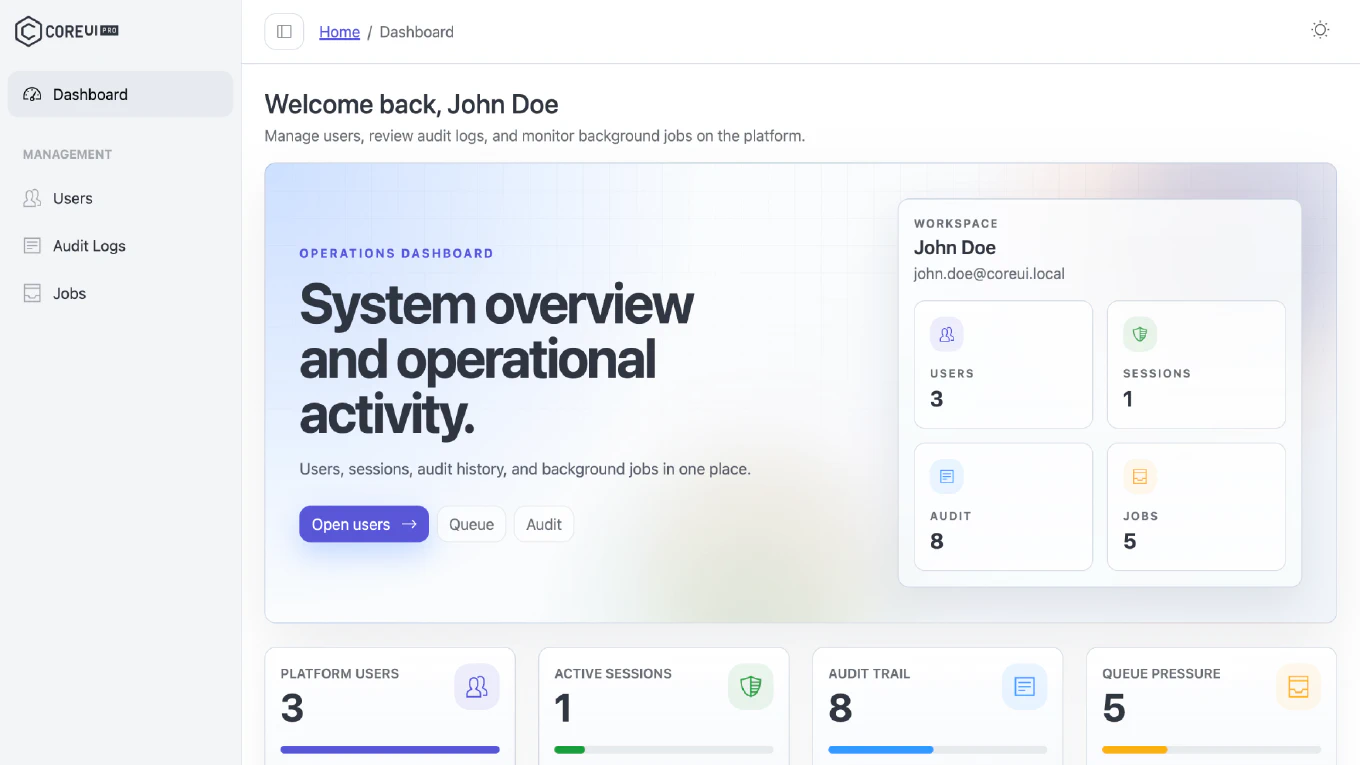
We are excited to announce the release of CoreUI PRO Bootstrap Admin Template v5.10.0. This release adds a search button to the header along with its own demo page, introduces a dedicated Chip Set demo, and brings a set of fixes to icons, internal links, and the build pipeline.
Speed up your responsive apps and websites with fully-featured, ready-to-use open-source admin panel templates—free to use and built for efficiency.




How to Update
Download the latest version from CoreUI Downloads.
After downloading:
npm install      # Install dependencies
npm start        # Start development server
npm run build    # Build for production
If you are updating an existing customized project, compare your local changes with the latest template files and bring over the parts you need before deploying.
What’s New
Search Button
- Added a search button to the header, together with its own demo page.
Chip Set Demo
- Added a dedicated demo page for Chip sets.
- Cross-linked the Chip Set and Search Button demo pages, and completed the search widget on the Chip Set page.
Bug Fixes
- Apple login icon: No longer invisible in dark mode.
- Internal links: Normalized the link paths across the template.
Tooling
- Dropped the dead Babel transpile step for
src/js. - Fixed architecture documentation drift left by the Babel removal and a stale block name.
Dependency Updates
We have updated key dependencies to their latest compatible versions for CoreUI PRO Bootstrap Admin Template v5.10.0:
- Bumped the safe dependency updates.
Migration Notes
This is a feature and maintenance release. After upgrading:
- Install updated dependencies.
- Run your build and verify the output.
- If you customized the build pipeline, note that the Babel transpile step for
src/jsis gone. - If you customized the header, compare it with the version that includes the new search button.
For the latest package files and update access, visit CoreUI Downloads.