How to customize CoreUI theme in React
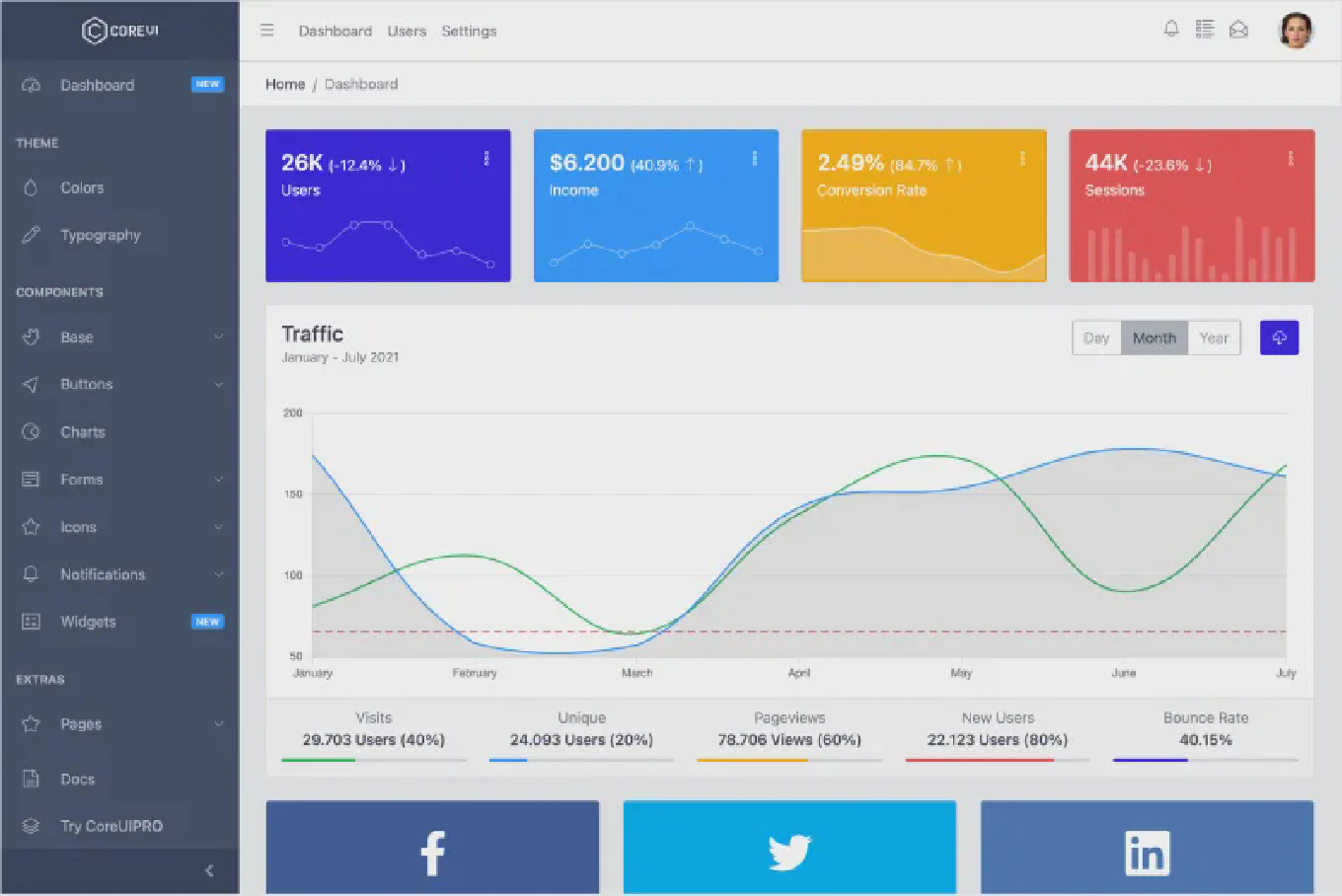
Customizing a UI framework to match your brand’s unique identity is a critical step in professional web development. As the creator of CoreUI, I have designed our React components to be highly flexible and easy to theme. The most efficient and modern way to customize the CoreUI theme in React is by overriding Sass variables before compilation or using CSS custom properties (variables) for runtime adjustments. This approach ensures that your changes are consistent across all components while maintaining the performance and reliability of the library.
How to style components with SCSS in Vue
Using SCSS in Vue components provides advanced styling capabilities including variables, mixins, nesting, and modular CSS architecture for maintainable stylesheets.
As the creator of CoreUI, a widely used open-source UI library, I’ve implemented SCSS extensively in Vue components for theme systems, component libraries, and responsive design patterns in enterprise applications.
From my expertise, the most effective approach is to use the lang="scss" attribute in Vue style tags.
This method enables full Sass feature support while maintaining Vue’s component-scoped styling and hot reload capabilities during development.
How to use SCSS with Angular
Using SCSS (Sass) in Angular applications provides powerful styling capabilities including variables, mixins, nesting, and modular CSS architecture for maintainable stylesheets. As the creator of CoreUI, a widely used open-source UI library, I’ve implemented SCSS extensively in Angular projects for theme systems, component styling, and responsive design patterns in enterprise applications. From my expertise, the most effective approach is to configure SCSS as the default stylesheet format in Angular CLI. This method provides seamless compilation, hot reloading, and access to advanced Sass features without additional build configuration.
Dealing with Sass Deprecation Warnings in Angular 19

With the release of Angular 19, developers are seeing significant improvements, new features, and streamlined workflows.
Along with these enhancements, you might encounter deprecation warnings from the Sass compiler when building your project. These warnings can be confusing, especially if they originate from third-party libraries.