Accessible Focus Traps: Trap the Keyboard, Not the User
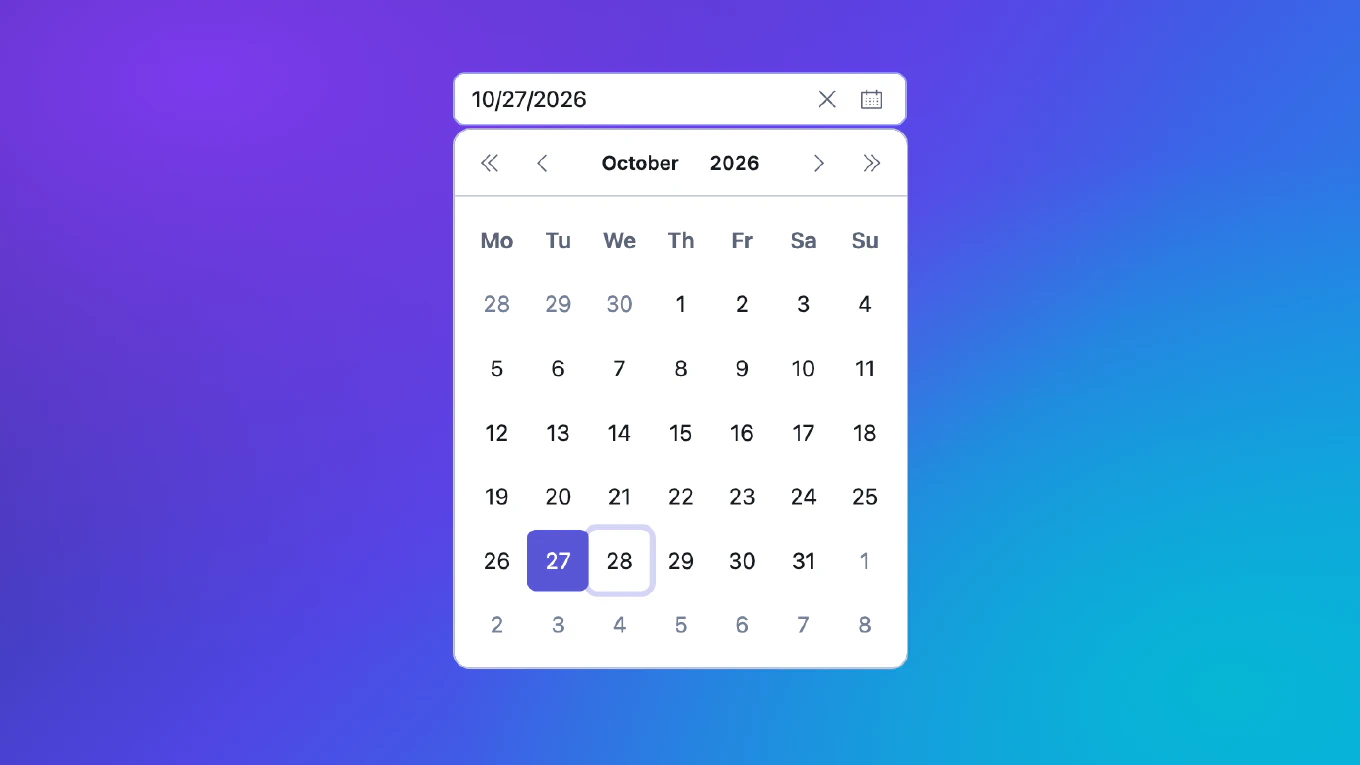
Date pickers, comboboxes, menus and popovers all open a panel on top of the page. The moment that panel opens, the keyboard has a question to answer: where does the focus go now, where may it go next, and where does it land when the panel closes? Get it wrong and a keyboard user walks out of an open calendar into the page behind it, or a screen reader user is sent back to the top of the document after picking a date.
This guide covers how to answer those questions in a way that works for keyboard users, screen reader users and everyone using a mouse or a finger. The examples are plain JavaScript, so they apply to any framework.
Focusable Is Not Selectable: A Keyboard Focus Model for Date Grids

Open almost any date picker, press Tab until you reach the grid, and focus lands on a day. Which day it can land on, and which days the arrow keys can reach, comes down to one small decision that most implementations make without noticing: can an unavailable date receive focus?
The intuitive answer is no. A disabled date is disabled, so you render it as
<button disabled>, the browser skips it, and you move on. It looks right in
a demo. It stops being right as soon as a real product starts disabling
dates: weekends, public holidays, fully booked days, a minimum notice period,
a cut-off time.
This post describes the model we use in the CoreUI v6 Calendar, and why: a cell’s focusability depends only on the calendar’s limits. Everything else decides only whether the cell can be selected.
How to test components in React with RTL
Testing components from a user’s perspective ensures your application is accessible and behaves as users expect. As the creator of CoreUI, I’ve adopted React Testing Library as the standard for component testing. React Testing Library (RTL) encourages testing components the way users interact with them, focusing on accessibility and user behavior. This approach creates tests that are more maintainable and closely aligned with real-world usage.
How to handle keyboard events in Vue
Keyboard event handling is essential for accessibility, keyboard shortcuts, and improving user experience in web applications. As the creator of CoreUI, I’ve implemented keyboard navigation in countless enterprise applications. Vue provides event listeners with key modifiers to easily capture specific key combinations and keyboard interactions. This approach enables keyboard shortcuts, form navigation, and accessible interfaces without complex event handling code.
How to create a tooltip in React
Creating tooltips enhances user experience by providing contextual information on hover or focus without cluttering the interface. As the creator of CoreUI, I’ve implemented tooltip systems across numerous production applications. The most effective approach is using React state with mouse and focus event handlers to control tooltip visibility and positioning. This provides accessible, responsive tooltips that work with both mouse and keyboard navigation.
How to create a dropdown menu in React
Creating accessible dropdown menus is essential for navigation and user interactions in React applications, requiring proper state management and keyboard support. As the creator of CoreUI, I’ve built countless dropdown components for enterprise applications. The most effective approach is using state to control visibility with click outside detection and keyboard event handling. This ensures accessible, user-friendly dropdown menus that work across all devices and input methods.
How to create a modal in React
Creating accessible modal dialogs is essential for user interactions like confirmations, forms, and content overlays in React applications. As the creator of CoreUI, I’ve built countless modal components for enterprise applications. The most effective approach is using React portals to render the modal outside the component tree with proper focus management. This ensures the modal appears above other content and maintains accessibility standards.

