What a Second Click Should Do While a Dialog Is Closing
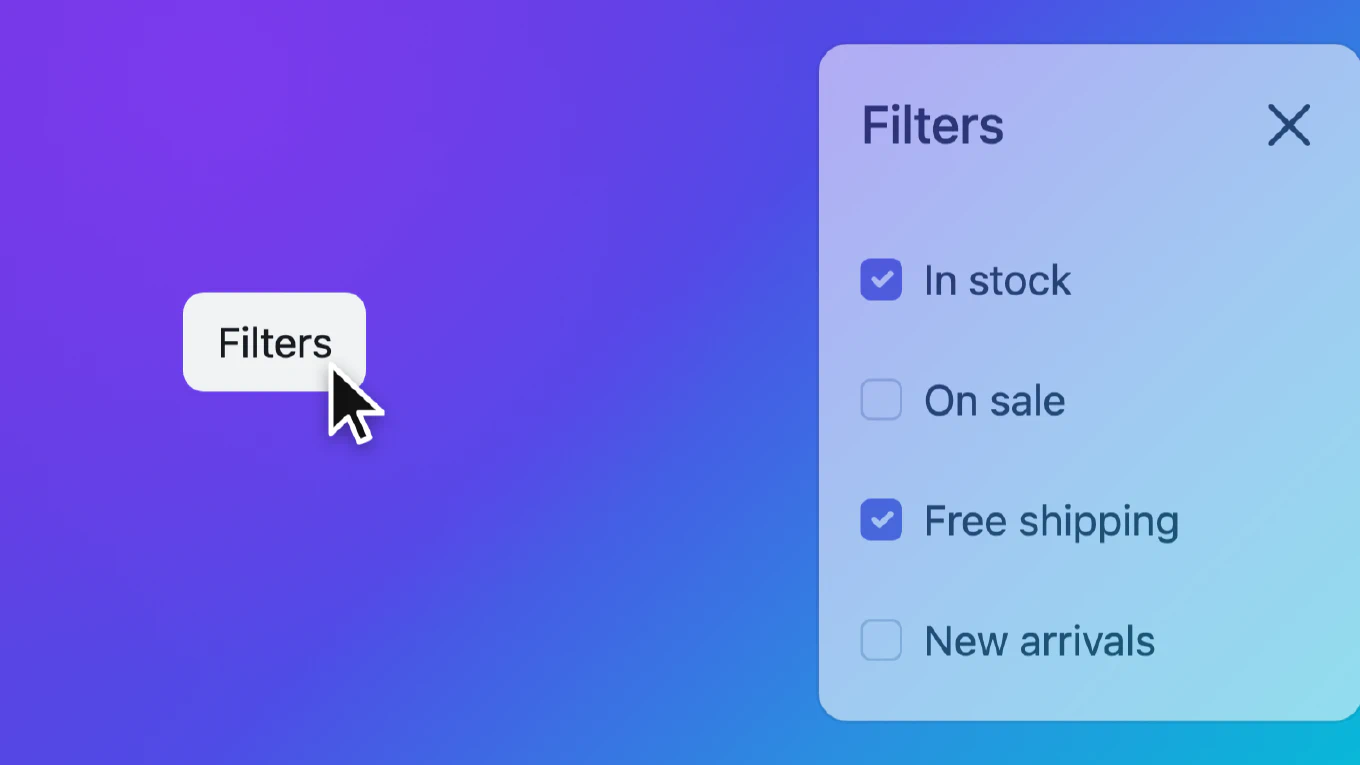
A user opens a filters panel, changes their mind and clicks the Filters button to close it. The panel starts to slide out, and halfway through they realise they wanted one more filter after all, so they click the button again.
What should happen? The panel is still on screen, still in the DOM, still
open as far as the browser is concerned. It is just on its way out. Many
dialog implementations drop that second click, so the panel finishes closing
and the user has to wait and click a third time. This guide shows how to
reopen a dialog during its closing animation instead, and the details that
make that harder than it looks.
How to create a modal in Angular
Building modal dialogs is essential for user interaction in modern web applications, whether for confirmations, forms, or displaying additional content. As the creator of CoreUI, a widely used open-source UI library, I’ve implemented countless modals in production apps. The most reliable and modern approach is to use the Angular CDK Dialog, which provides a flexible, accessible foundation without imposing strict Material Design styling. This method gives you full control over appearance while handling focus trapping, keyboard navigation, and backdrop management automatically.
How to create a modal in React
Creating accessible modal dialogs is essential for user interactions like confirmations, forms, and content overlays in React applications. As the creator of CoreUI, I’ve built countless modal components for enterprise applications. The most effective approach is using React portals to render the modal outside the component tree with proper focus management. This ensures the modal appears above other content and maintains accessibility standards.